Where to download safely
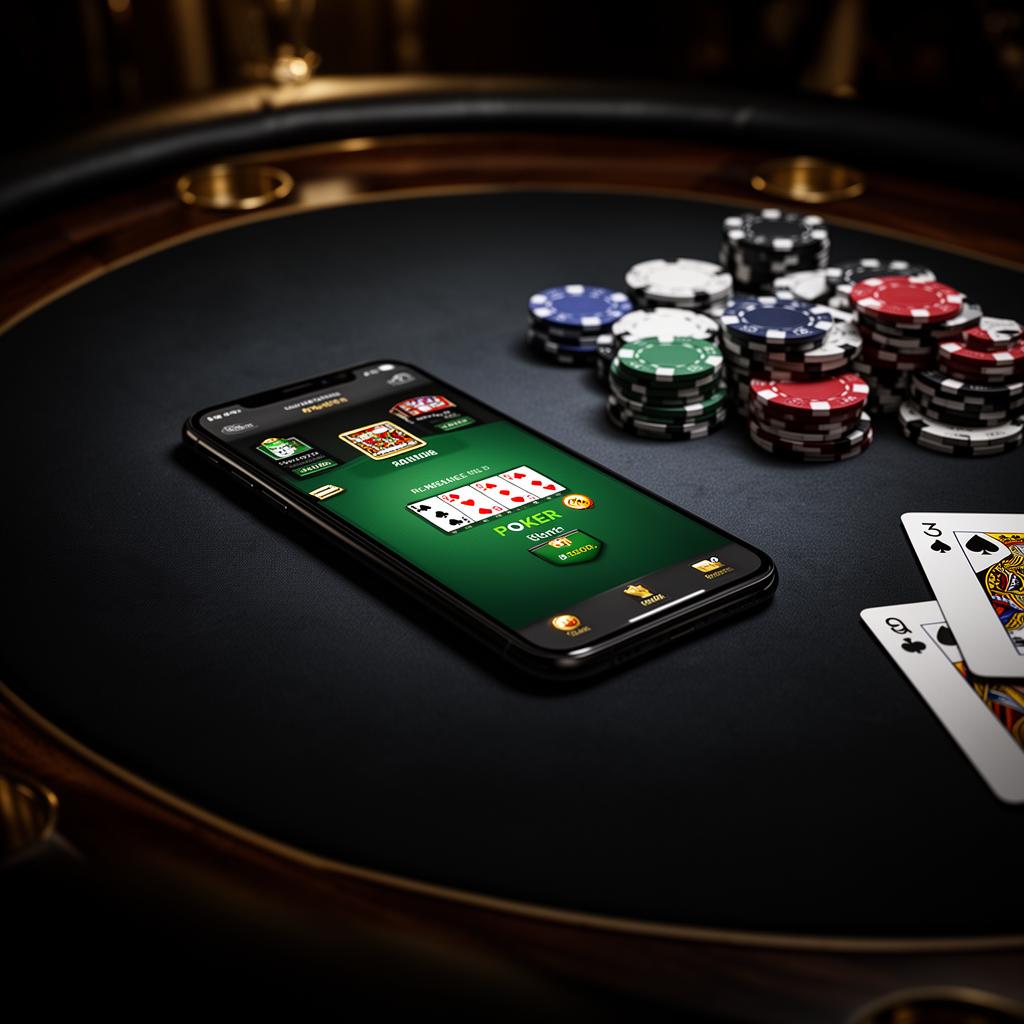
ClubGG is an official app of the GGPoker network. It should only be downloaded from the official app store (Google Play or App Store) or from the official ClubGG website for the desktop version. Never download APK files from third-party sites — that's the fastest way to lose your account or catch malware.
Android — step by step
Search for "ClubGG" on Google Play, install, open, and then register with email or an existing GGPass account. After verifying your email, choose a Nickname and a profile picture. Your nickname is what the table sees — pick something you'll keep.
- Requires Android 7 or higher
- About 250MB of free space after updates
- Stable Wi-Fi recommended for downloading the initial graphics packages
iPhone and iPad
On the App Store, search for "ClubGG Poker". If your store is set to a country where the app doesn't appear, you can use the desktop version or contact club support for guidance. Never use an Apple ID that isn't yours.
Desktop — Windows and Mac
The desktop version has a dedicated client that allows multiple tables at once, keyboard shortcuts, and a larger screen. Serious players prefer it: it's easier to track stacks, spot patterns, and manage a long session. Full details are on the /download/windows and /download/mac pages.
Joining the Israeli club
After installing, go to the Clubs tab, tap Join Club and enter club ID 354141. The request is approved manually by an admin, usually. Once approved, you'll see the club lobby: cash tables, tournaments, and freerolls.
Common installation issues
Most problems are fixed in two minutes:
- The app freezes on the loading screen — fully close it and reopen on Wi-Fi
- No verification email arrives — check spam and confirm the address is correct
- The Join Club button doesn't respond — update to the latest version in the store
- Login fails after switching devices — log in with the same GGPass, don't open a new account
Before your first game
It's best to start at a virtual-currency table or a freeroll to get familiar with the interface, betting buttons, and timer. Only after one or two sessions should you move to tables with real financial stakes, and always with a bankroll planned in advance.
Want to join the Israeli club?
Get personal onboarding in English — from download to the table. Fast and clear.