
1
Open Google Play
Open the Google Play Store on your Android device. Search for "ClubGG Poker", or tap the button above.
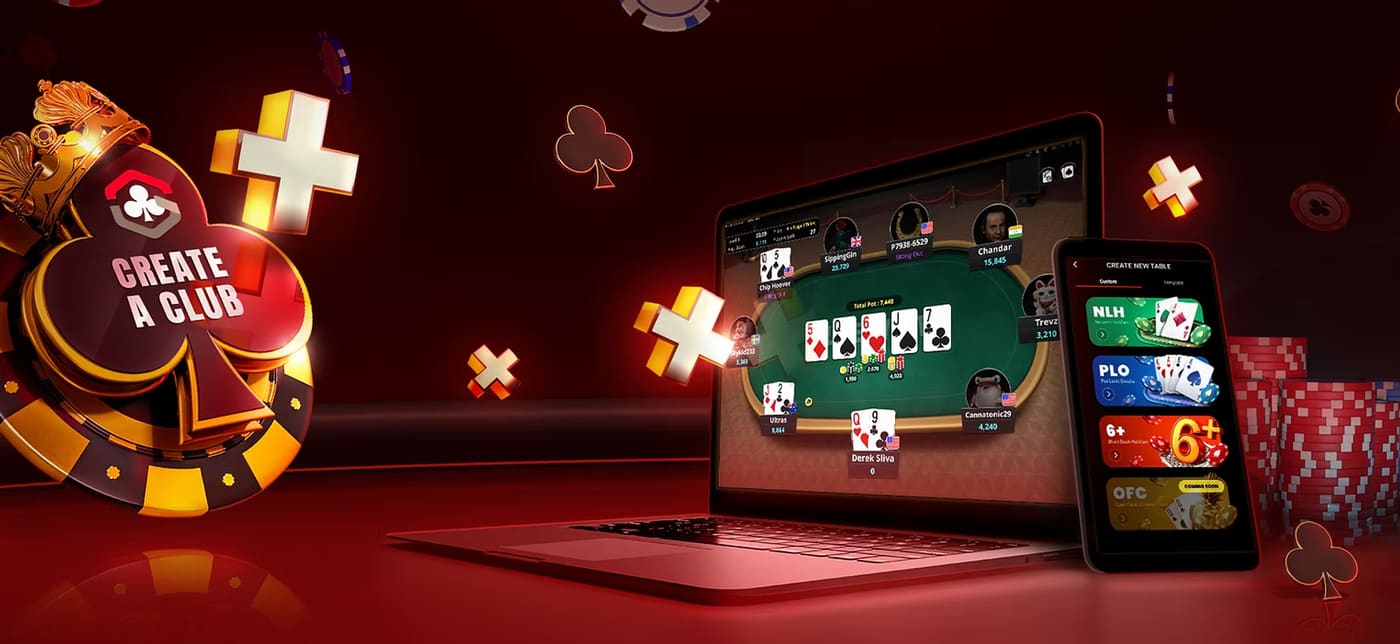
The ClubGG app by GGPoker, fully available on Android. Official, secure download, one-minute install, and join Club 354141 with dedicated Israeli agent support.
Open the Google Play Store on your Android device. Search for "ClubGG Poker", or tap the button above.
Tap "Install". The download takes 20–60 seconds depending on your connection. App size: about 150MB.
After installing, tap "Open" and grant the basic permissions the app requests.
Register with an email and password. Verify the address via the code sent to your inbox. You can also sign up with Google or Apple.
On the main screen, tap the "Clubs" icon, enter code 354141, and tap "Join". Your request will be sent to the agent.
Message the agent on WhatsApp with your Player ID. Club approval takes anywhere from a few minutes to half an hour. Once approved — start playing!
ClubGG is available in most Google Play countries. If your store shows "Not available in your country", you can install directly from the official APK at image.clubgg.com. The agent can send you the official link on WhatsApp.
Usually it's low storage or a weak connection. Free up space (at least 500MB), switch to stable Wi-Fi, and try again. If it still fails — restart the device.
Make sure you're on Android 7.0+ with enough RAM. Close background apps, long-press the ClubGG icon and choose "Force Stop", then "Clear Cache" in the app settings. If it persists — uninstall and reinstall.
After creating a GGPass account, tap your photo in the top corner. The Player ID appears below your username (a 9–10 digit number). Copy it and send to the agent on WhatsApp.
Make sure you typed the code with no spaces. If the error says "Club not found" — verify you're in the right section (Clubs → Join Club → Enter Code). If it still fails — contact the agent; sometimes it only works via direct invitation.
ClubGG APK links from image.clubgg.com are official and secure. Do not download APKs from unofficial third-party sites — there's risk of malware. Contact the agent for the correct link.
Club ID: 354141. Send your Player ID to our agent on WhatsApp and we'll approve.