
1
Open the App Store
Open the App Store on iPhone or iPad. Search for "ClubGG Poker" or tap the button above to open the page directly.
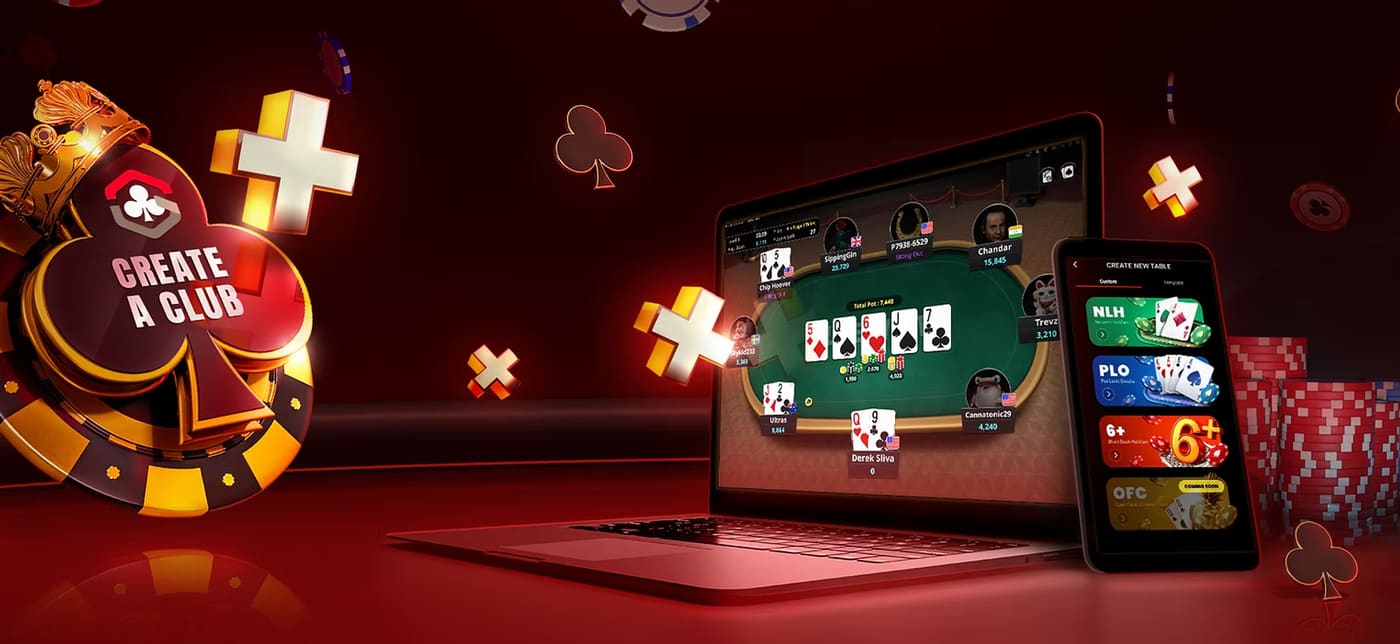
The ClubGG app by GGPoker, fully available on iOS (iPhone / iPad). Official, secure download, one-minute install, and join Club 354141 with dedicated Israeli agent support.
Open the App Store on iPhone or iPad. Search for "ClubGG Poker" or tap the button above to open the page directly.
Tap "GET" (or the cloud icon if downloaded before). If prompted — authenticate with Face ID / Touch ID / Apple ID password.
After installing, tap "Open". Allow notifications (recommended — the agent sends updates on tournaments and bonuses).
Register with an email and password, and verify the address. You can also sign up easily with Sign in with Apple.
On the main screen, tap "Clubs" in the bottom menu, then "Join Club", enter 354141 and tap "Search".
Send your Player ID to the agent on WhatsApp. The agent will approve you and you can take a seat.
ClubGG is available in most App Store regions. If it doesn't appear — verify you're on the US App Store or a supported region. You can change your Apple ID country under Settings → Apple ID → Media & Purchases → View Account → Country/Region.
Ensure a stable Wi-Fi connection (iOS requires Wi-Fi for downloads over 200MB by default). If it persists — long-press the download icon on the home screen and choose "Prioritize Download".
Make sure you're on iOS 13+. If on older iOS — update via Settings → General → Software Update. If it persists — uninstall and reinstall (your GGPass data is stored in the cloud).
In iOS Settings: Face ID & Passcode → iTunes & App Store → Enable. If it still doesn't work — enter your Apple ID password manually once and it will remember next time.
Tap your photo in the top corner of the screen. The Player ID is displayed below your username (a 9–10 digit number). Long-press to copy — paste on WhatsApp to the agent.
Not necessarily. ClubGG is available on the Israeli App Store and most of Europe. If your account is Israeli — try it first, and only if not found — contact the agent for guidance.
Club ID: 354141. Send your Player ID to our agent on WhatsApp and we'll approve.